Copy in the example source
Step 3 of the IBM i reference-app setup. Your environment is built and its connection points at your own repository — but that repo is still empty. Here you copy the example source into it with a task, then detach the reference app.
This picks up after you've set up your repository and filled in the connection.
What you'll need
- Permission to run tasks and edit the environment. See Environments.
- Your repository added and set as the connection's Build Repo, and the environment built (the two earlier steps).
Copy the example source into your repo
Create a task in this environment and name the destination repository explicitly. For example, replace my-app below with the repository you added in step 1 (with its Path left empty):
Copy the application contents of
/workspace/coderflow-reference-apps/ibmi/into/workspace/my-app/, including the RPG, CL, and DDS sources, Profound UIhtdocsassets, and codermake build rules. Placecfdemo/andhtdocs/directly under/workspace/my-app/; do not create an enclosingibmi/folder. Merge the reference app's.gitignorerules into the destination's root.gitignore, preserving existing rules. Preserve the destination's Git metadata and environment-specific build configuration, and check existing files before overwriting them. Keep the reference repository unchanged. Do not copy the referenceenvironment.jsoninto the application repository. Make all application changes inmy-app.
The resulting layout should include:
/workspace/my-app/
├── cfdemo/
└── htdocs/
    └── profoundui/userdata/ui/
Keep the connection's Build Repo set to your repository and Build Directory empty. Task-local EJS preview currently looks for assets under <repository-root>/htdocs/profoundui/userdata/ui/. A nested layout such as <repository-root>/ibmi/htdocs/ is not discovered by that lookup, even if Build Directory is set to ibmi. The browser URL starts with /profoundui/; htdocs is a filesystem directory and is not part of the URL.
The application repository's root .gitignore should retain the reference app's /tmp/ and /build/ rules. These exclude generated logs such as tmp/logs/ and build output. The setup repository's .gitignore does not apply to this separate application repository. Before approval, check that generated files are absent from the proposed changes; ignore rules do not remove files already tracked by Git.
When the task finishes, review the diff and Approve. In the approve dialog you choose how the change lands — push to a branch, a new branch, or Create pull request (which you then merge). Once it's pushed, your repository contains the source.
The agent only copies files into your repo, and nothing is pushed until you review and approve it — so you stay in control of exactly what lands in your repository.
Then Build → Build Now → Save and create a task to confirm it now compiles from your source.
Detach the reference-apps repo
Once your repo builds on its own, confirm that the copied source and assets have been approved and pushed (or merged) into the branch selected for your repository in the environment. Files present only in an earlier task's workspace will not be included in a fresh checkout.
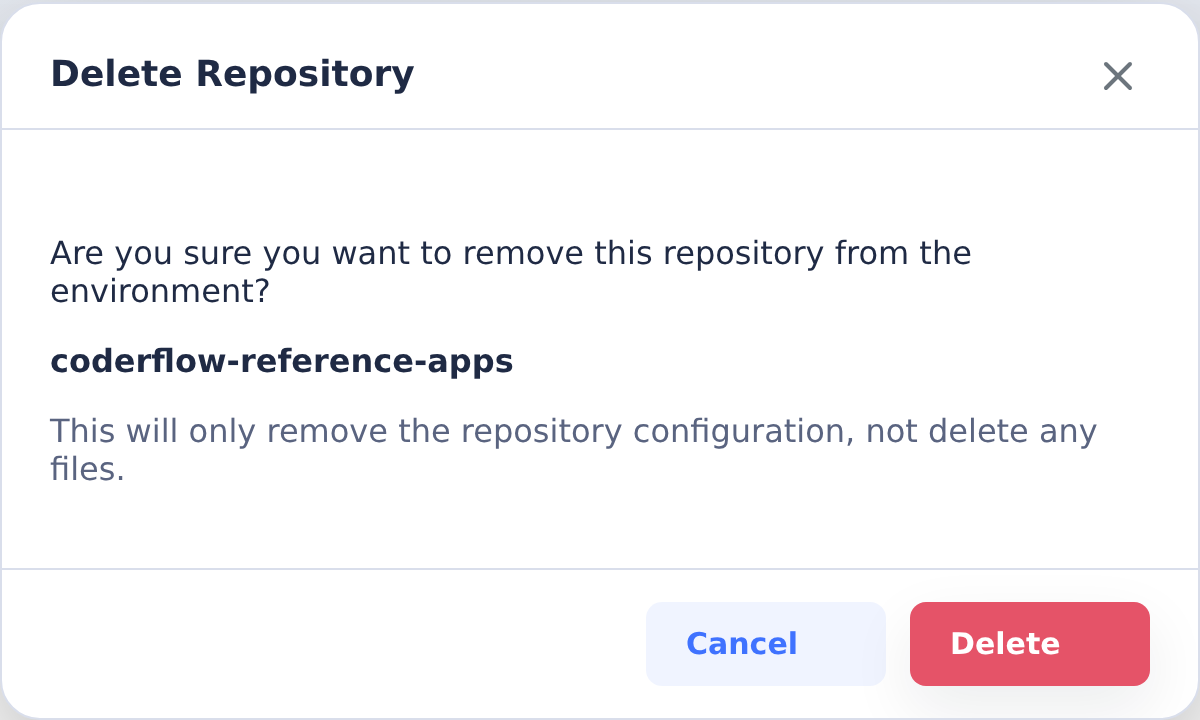
On the Repositories tab, remove coderflow-reference-apps from the environment, then Build → Build Now → Save. This detaches the source example; it does not delete the GitHub repository. The environment now builds from your repo alone, so subsequent tasks have a single application checkout to work in.
Create a new task after the build to verify the application and its Genie preview. Existing task containers may still contain the old repository layout. If preview fails, inspect the failed asset request and the CoderFlow server logs; moving files again or repeating the build without identifying the failure is not a substitute for that check.
For an RPG Rich Display test, verify that the rich screen renders and accepts input, not just that compilation and Genie launch succeed. The RPG workstation file declaration must use the Profound UI Open Access handler, normally HANDLER('PROFOUNDUI(HANDLER)'); creating EJS assets alone does not route RPG display I/O through that handler. See Profound UI's Open Access instructions.
Back in the setup wizard, tick I've completed this step.
Next steps
You now have the IBM i example source in your own repository and an environment that builds it. From here, create tasks to build out your real application — the agent works against your code, your standards, and your repo's history. To compile and run against the shared demo data, install the CFDEMO base library.
Related
- Start from a reference app — the full setup flow this step belongs to
- Set up your project repository — where you added the repo
- Fill in the IBM i connection — where the build repository is set
- IBM i Connections — the Build feature and the rest of the connection reference